Tatiana Hernandez · Brand Identity
Personal Brand
Guidelines
The design system behind this portfolio — documented as a live handoff artifact for developers.
Design doesn't end
in Figma.
This page is the design system. Every component here runs the exact same CSS as the rest of this portfolio — one file, one source of truth, no drift between documentation and production.
It's built as a handoff artifact: browse the catalog, copy snippets directly from the code panels, or download the full stylesheet and drop it into your own project.
Colors
Two layers: a warm base for structure, and a personality palette that captures character.
Base Palette
Secondary Palette
Semantic Tokens
--ds-bg #FAF8F5 Page background --ds-surface-2 #F0EDE8 Elevated surface --ds-text #2E3141 Primary text --ds-text-muted #8B8796 Text muted --ds-border rgba(46,49,65,0.10) Subtle border --ds-accent #ED7752 Primary accent (Peach) --ds-accent-rose #ED527A Secondary accent — Rose --ds-accent-sky #52C8ED Secondary accent — Sky --ds-accent-lime #ABBA2B Secondary accent — Lime --ds-accent-yellow #F8E816 Secondary accent — Yellow Color Sets
Three-stop scale per secondary color: light (100) · base (500) · dark (700).
Rose
Sky
Lime
Yellow
Peach
Gradients
Named gradient tokens used across the system. Reference via CSS variable.
--ds-gradient-brand linear-gradient(135deg, #DA6D5B 20%, #ED527A 100%) Page loader, hero emphasis, primary gradient moments Typography
Two typefaces. One display, one functional. Never competing.
Display — tiemposText
Brand Identity
Design Systems
Visual Language
Component Patterns
Interaction Design
UI — Geist Sans
A product designer who got tired of handing off files and started writing code.
I've been designing since 2012 — across SaaS, fintech, and Web3. I'm drawn to complex systems that need to feel simple.
Caption text, helper text, metadata
Mono — Geist Mono
SECTION LABEL
const palette = { coral: '#DA6D5B', rose: '#ED527A', sky: '#52C8ED' }
Color Accents in Type
Each secondary color as a typographic accent — for labels, callouts, and highlights.
Product Design
--ds-accent-rose Engineering
--ds-accent-sky Brand Identity
--ds-accent-lime Design Systems
--ds-accent-yellow Icons
Custom brand icons — organic shapes that carry personality. Always in #ED7752 (Peach).


Components
Production-ready UI patterns. Buttons, inputs, cards, badges, and the before/after comparison slider used in case studies. Every state. Every variant.
Buttons
Inputs
Used for project inquiries only.
Please enter a valid email.
Cards
Design Systems
Building scalable visual languages for product teams.
Vibecoding
Where product design meets code. Building with structure.
Badges
Before & After
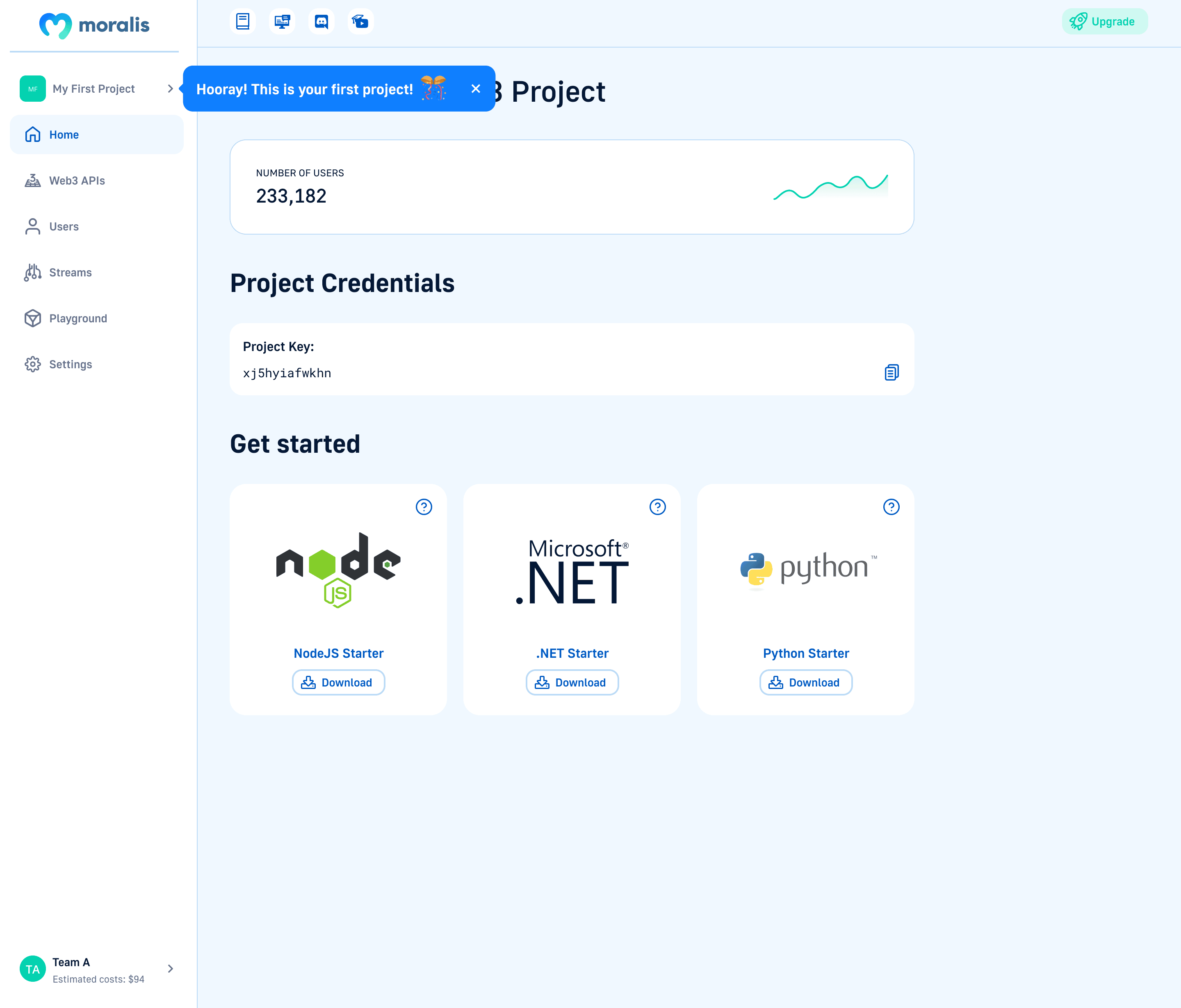
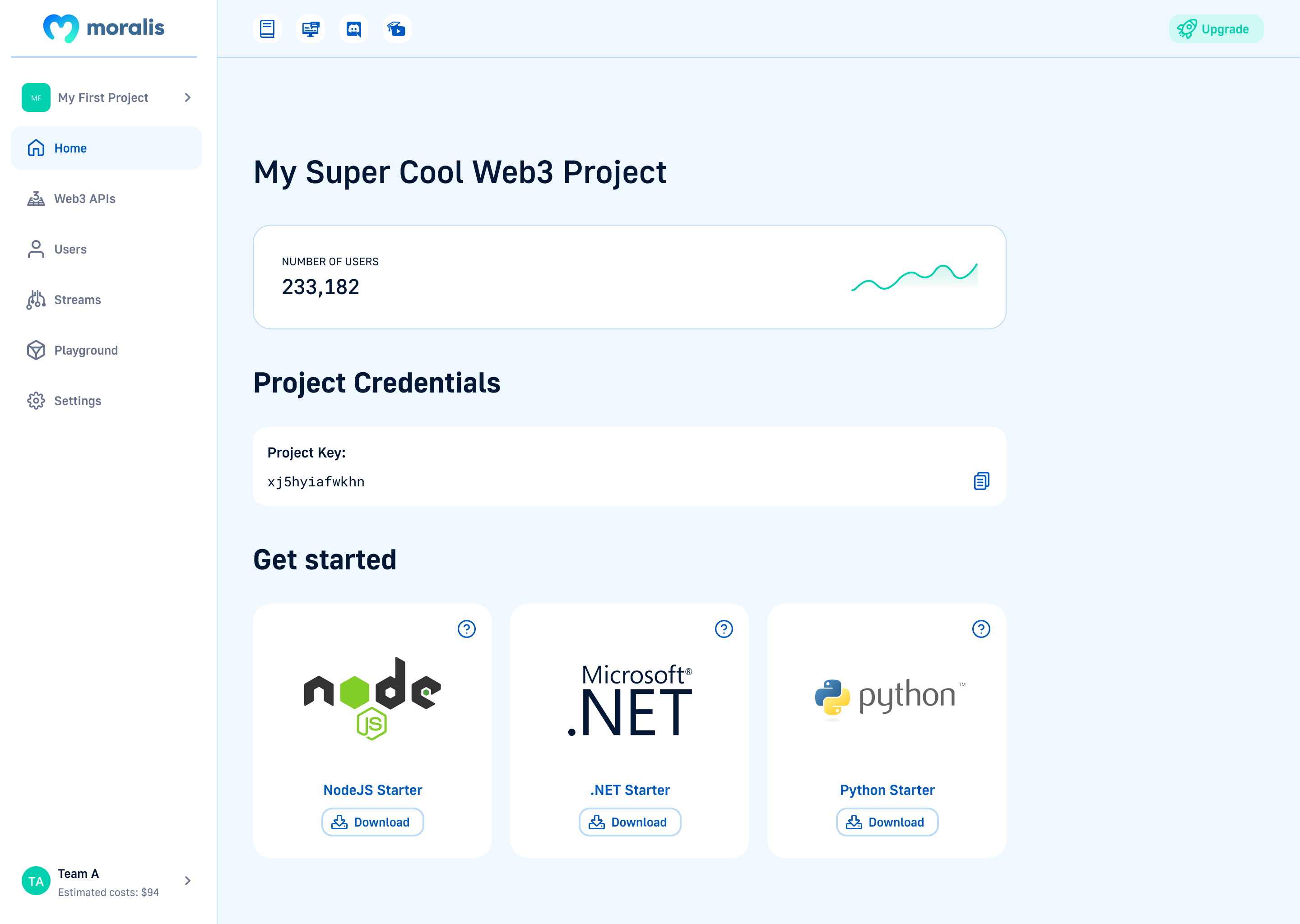
Drag-to-reveal comparison slider. Used in case studies to walk through design progress. The same component that ships in the Moralis dashboard case study.
Foundations
Core design tokens — the single source of truth for every visual decision.
Border Radius
sm
4px
md
8px
lg
16px
full
9999px
Shadows
shadow-sm
shadow-md
glow-coral
glow-golden
Interaction States
Every interactive element communicates its state clearly.
State Gallery
default
:hover
:active
:focus
:disabled
loading
Focus Ring
Tab to the input below to see the pink focus ring.
Cursor
Custom cursor system. Replaces the OS pointer with a contextual peach dot that grows into a label-icon pill on interactive elements.
How It Works
Add a data-cursor attribute to any interactive element. The global cursor script reads the value and morphs the cursor's label and icon. Defined types live in src/scripts/custom-cursor.ts.
Cursor Types
Hover the cards below to see the cursor change.
data-cursor="pointer" no label, no icon Default dot
data-cursor="email" mail destination "Email"
data-cursor="case-study" project links "View Case Study"
data-cursor="overview" section nav "Overview"
data-cursor="site" external links "Visit Site"
data-cursor="coming-soon" unreleased "Coming Soon"
Animations
Intentional motion. Calm, tactile, never flashy.
Easing Curves
ds-ease (spring)
cubic-bezier(0.16, 1, 0.3, 1)
ease-in-out
ease-in-out
ease-out
ease-out
Hover Lift
Hover me
translateY(-4px)
Hover me
Glow pulse
Keyframes
glow-pulse Peach glow breathing on accent elements
fade-up Opacity 0→1 + translateY(20px)→0
shimmer Background-position sweep for skeleton states
spin Full 360° rotation for loading indicators
Grid & Spacing
8pt grid system. Every measurement is a multiple of 4.
Spacing Scale
12-Column Grid
12 columns · 24px gutter · 64px margin